Viewpoints
Viewpoints let you create different perspectives of your model. Each viewpoint contains a subset of entities arranged independently — useful for focusing on a specific domain area or audience.
Browsing Viewpoints
Open the Viewpoints drawer by pressing Ctrl+1. The left sidebar shows all defined viewpoints.
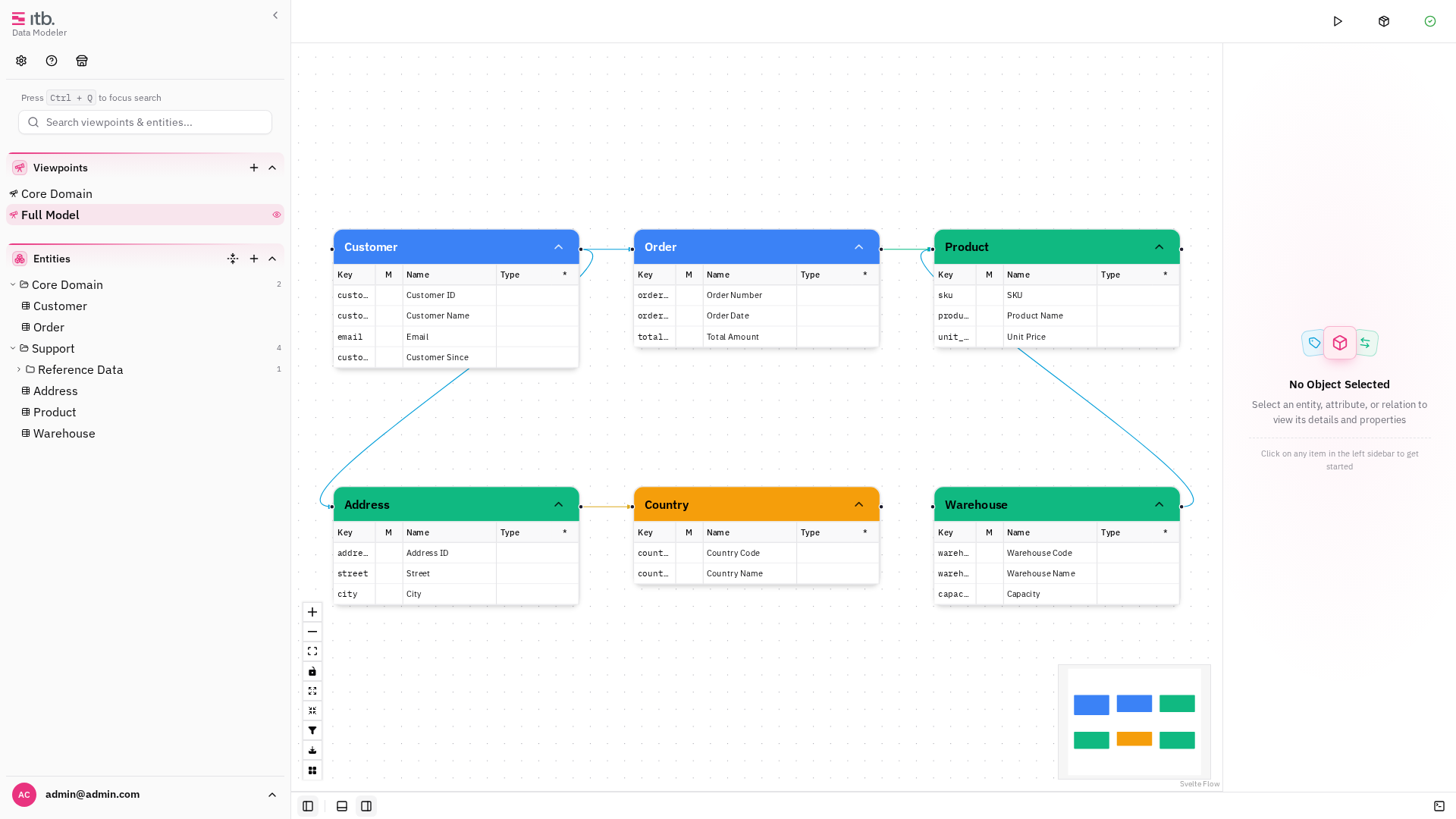
Click a viewpoint to switch to it. The canvas updates to show only the entities placed in that viewpoint, at the saved pan/zoom position.
Creating a Viewpoint
- In the left sidebar, click the + button in the viewpoints section.
- Enter a Name and optional Description.
- Select a Viewpoint Type — this determines the color badge and property display behavior.
- Click Create.
The new viewpoint starts empty. Add entities to it by dragging them from the entity tree onto the canvas while the viewpoint is active.
Viewpoint Types
Manage viewpoint types under Settings → Types → Viewpoint Type:
| Field | Description |
|---|---|
| Name | Display name (e.g. "Overview", "Detail") |
| Color | Badge color in the viewpoint list |
| Show Properties | How entity properties display: individual (per entity), show (always), or hide (never) |
Switching Viewpoints
Click any viewpoint in the left sidebar to switch to it. Each viewpoint remembers its own viewport position (pan and zoom), so switching viewpoints restores the exact view you left.
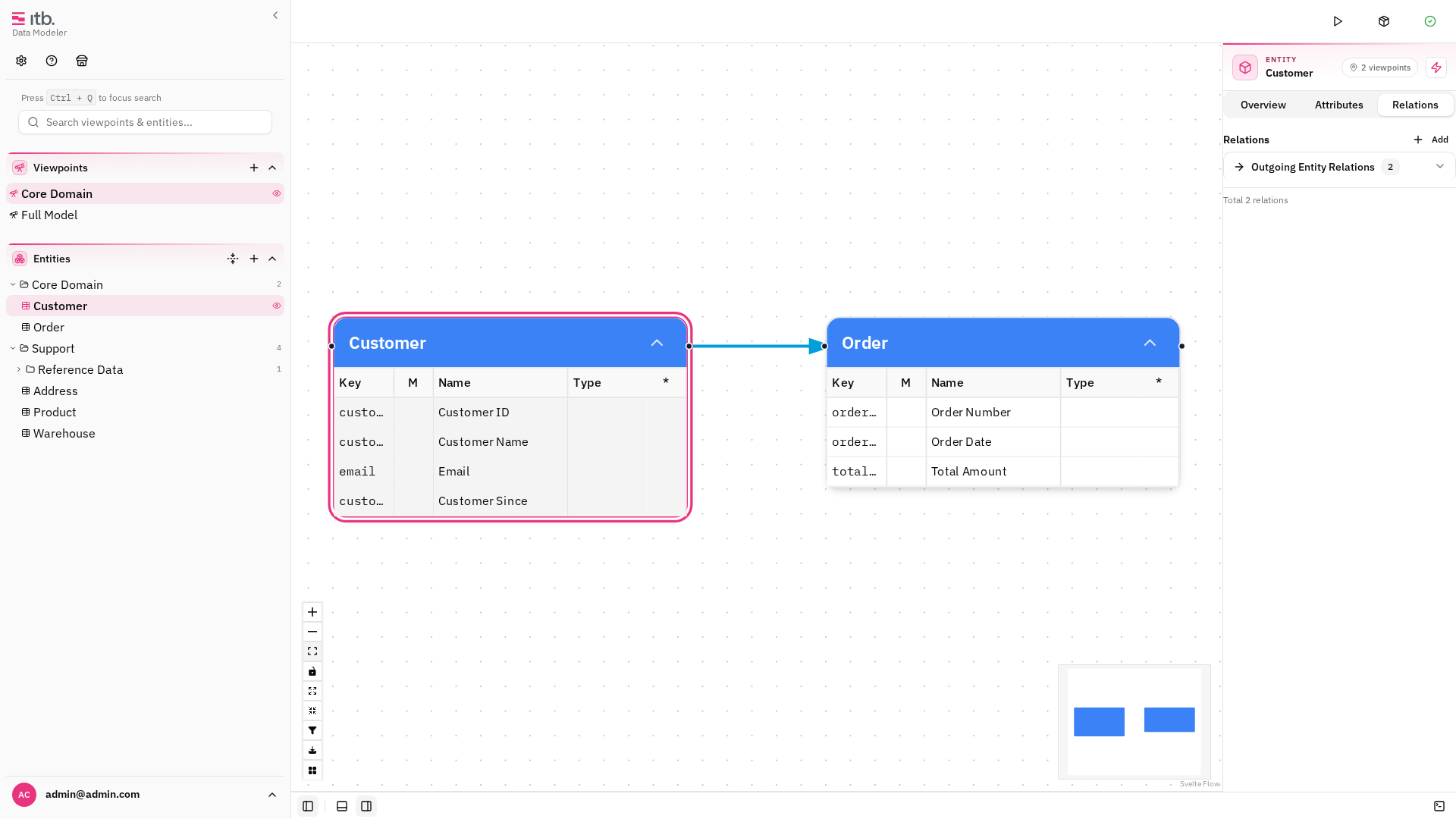
Per-Viewpoint Entity Placement
Entities can appear in multiple viewpoints with independent positions. Moving an entity in one viewpoint does not affect its position in another. Each node also tracks whether attributes are expanded per viewpoint.
Editing and Deleting Viewpoints
Right-click a viewpoint in the sidebar for its context menu. It holds five entries:
| Entry | What it does |
|---|---|
| Add Viewpoint | Create another one, without leaving the menu |
| Edit Viewpoint | Change its name, description and type |
| Hide Viewpoint | Keep it, but take it out of the list |
| Delete Viewpoint | Remove it and all its node placements |
The menu is assembled from installed capabilities, so it grows with them: with the Enterprise pack installed it also offers Duplicate Viewpoint, which clones a viewpoint with the same entities and layout.
Deleting a viewpoint does not touch the underlying entities: they belong to the model, and a viewpoint only records which of them it shows and where.