Entities
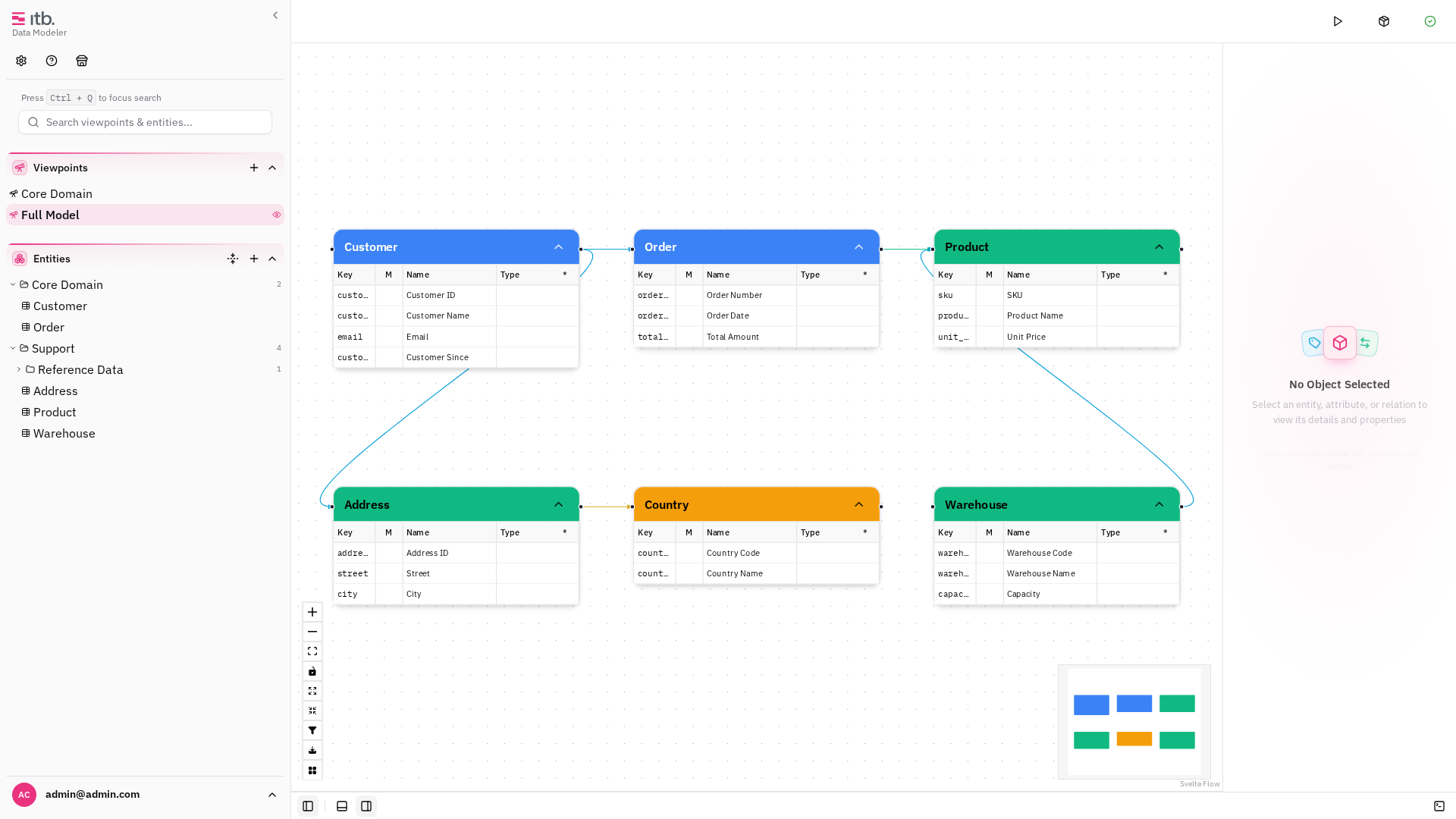
Entities are the core building blocks of your data model. Each entity represents a distinct concept (e.g. Customer, Order, Product) and can hold attributes, belong to a group, and participate in relations.
Browsing Entities
Open the Entities drawer by pressing Ctrl+2 or clicking the entities icon in the left sidebar. The drawer lists all entities in a searchable, hierarchical tree organized by groups.
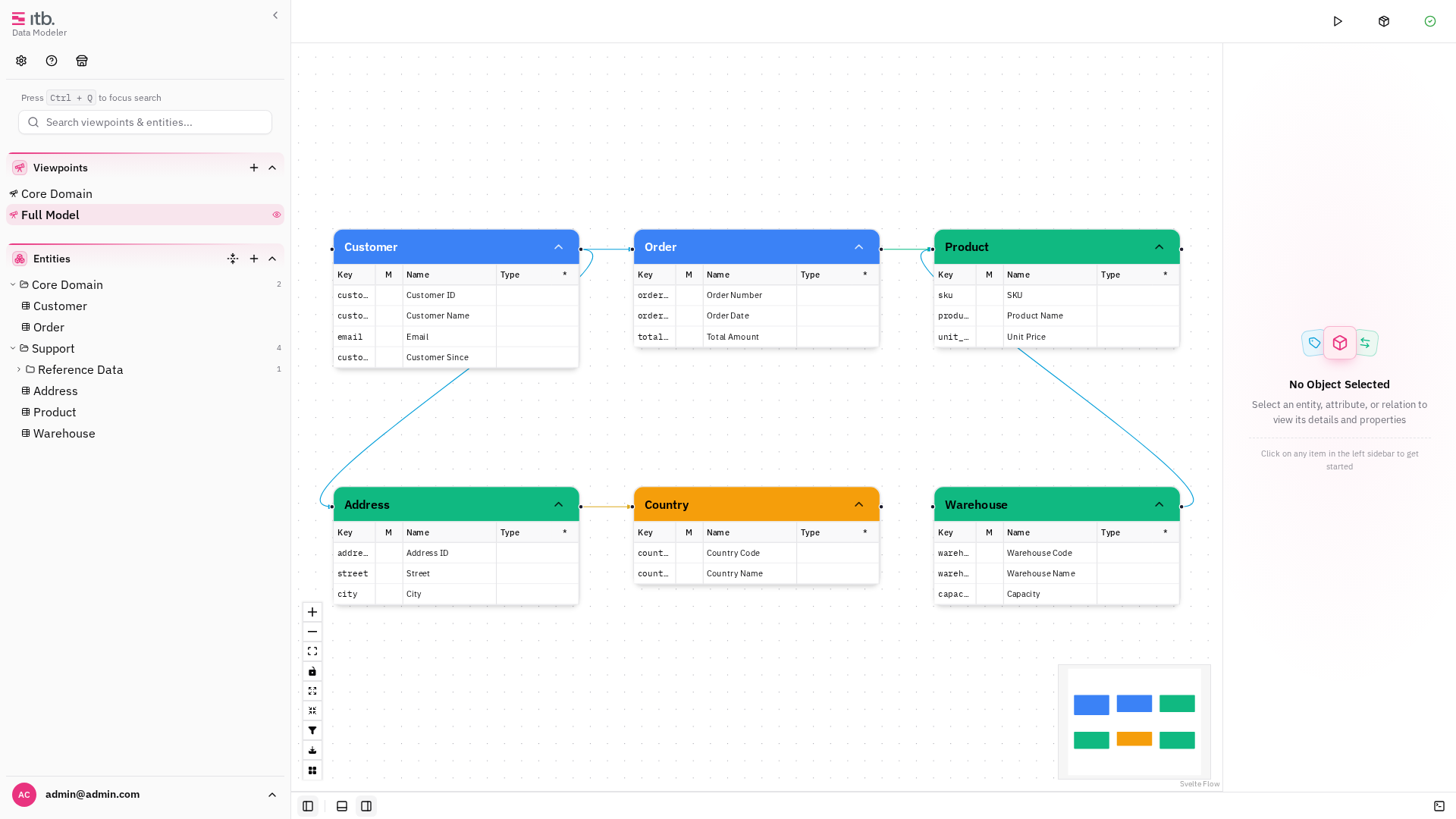
Click any entity in the tree to select it on the canvas and open its details in the right sidebar.
Creating an Entity
- In the left sidebar, click the + button at the top of the entity tree.
- Enter a Name for the entity.
- Optionally add a Description and select an Entity Type.
- Click Create.
The new entity appears in the tree and can be dragged onto the canvas.
Entity Types and Color Coding
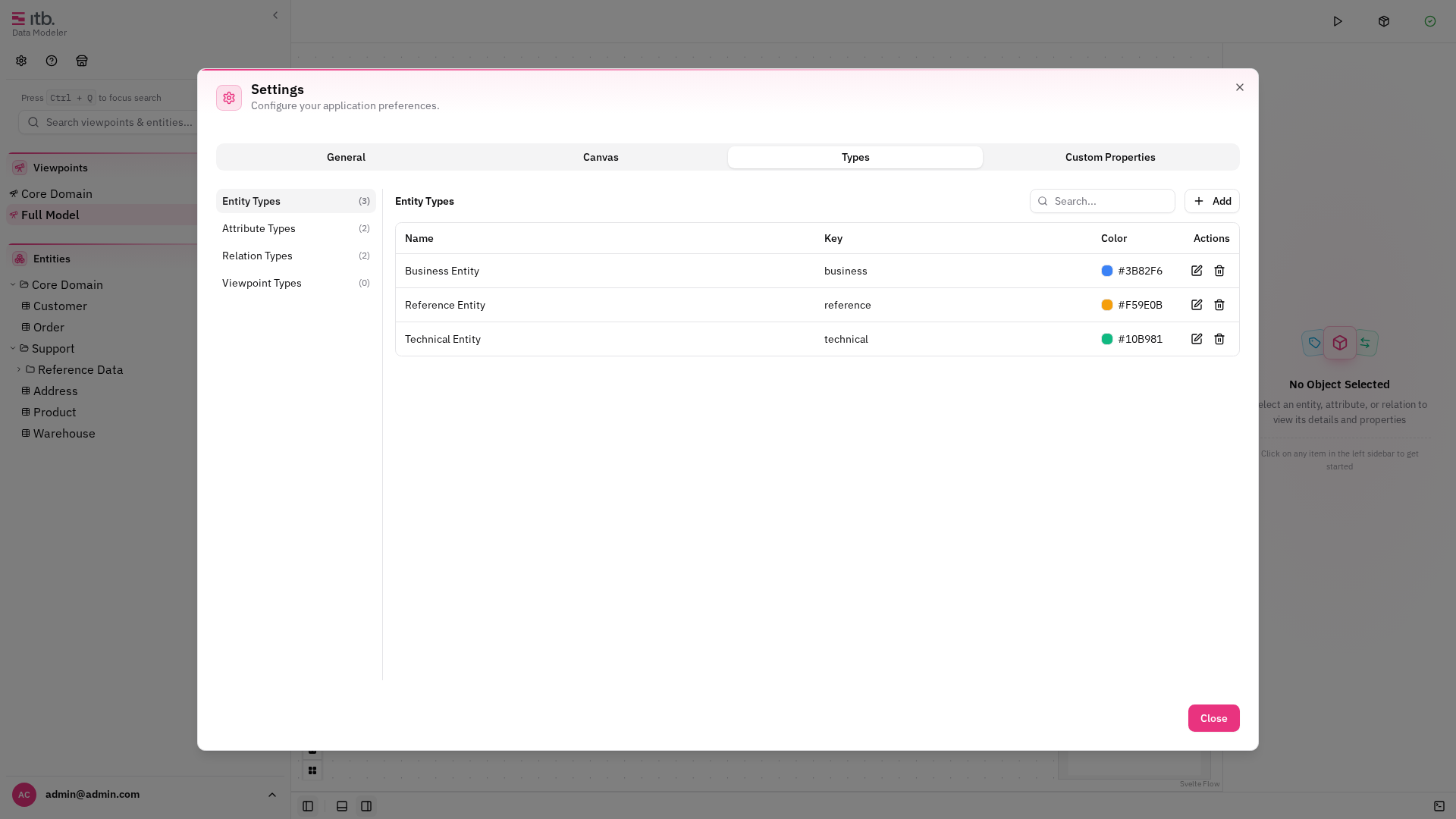
Every entity is assigned a type. Types determine the color of the entity node on the canvas, making it easy to distinguish between categories at a glance.
Manage entity types under Settings → Types → Entity Type:
| Field | Description |
|---|---|
| Name | Display name (e.g. "Business Entity") |
| Key | Short identifier (e.g. business) |
| Color | Hex color used on the canvas |
Entity Groups
Groups let you organize entities into folders. Groups can be nested — for example, a "Support" group containing a "Reference Data" sub-group.
To create a group:
- In the entity tree, click the folder + icon.
- Enter a Name for the group.
- Click Create.
To move an entity into a group, edit the entity and select the target group from the Group dropdown. The dropdown displays the hierarchy as Parent → Child.
Entity Detail Panel
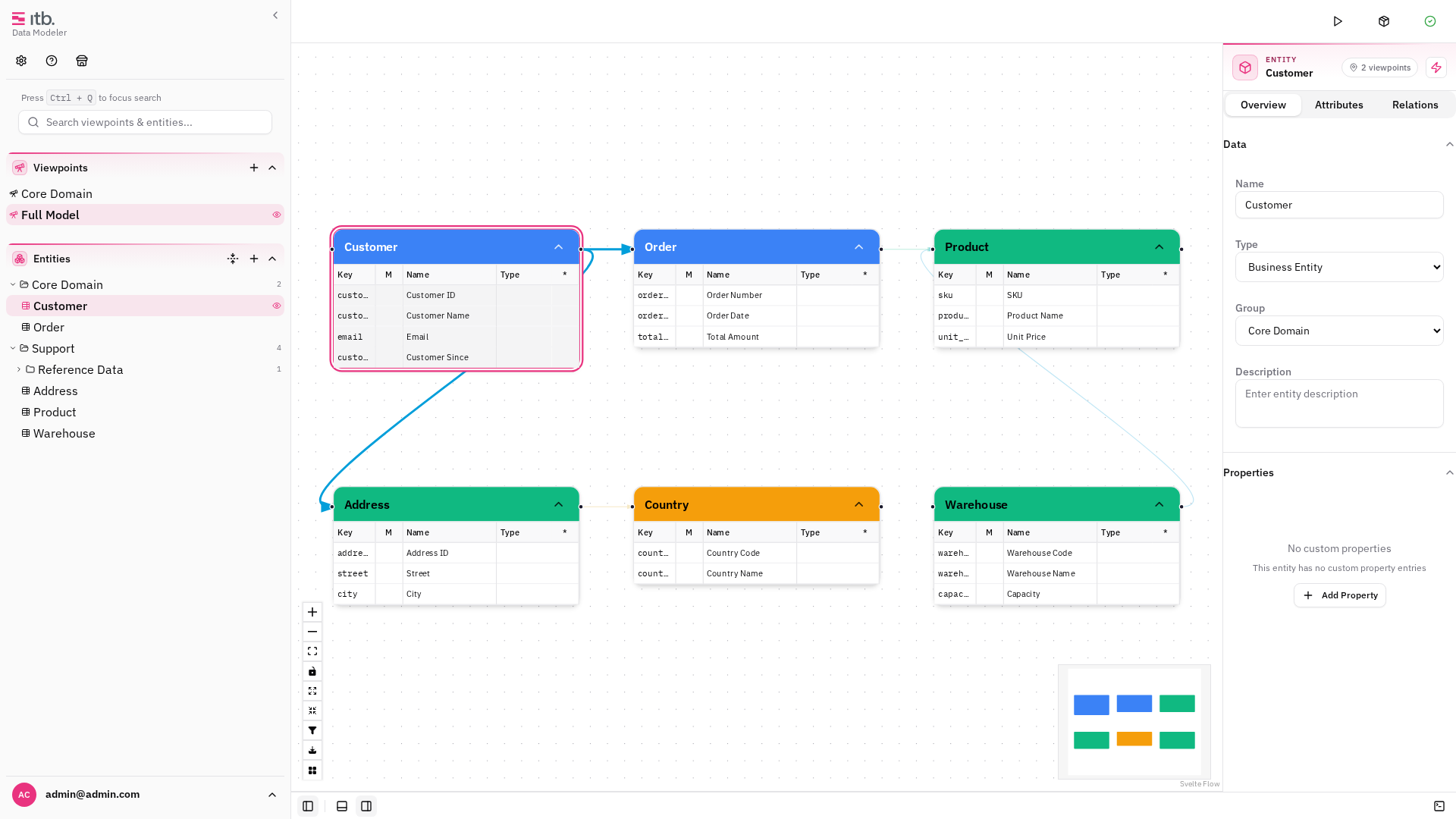
Click an entity on the canvas or in the tree to open its detail panel in the right sidebar:
- Name — editable inline
- Type — select from available entity types
- Description — rich text editor
- Group — assign to a group
- Attributes — list of attributes linked to this entity
- Relations — list of relations where this entity is source or target
- Custom Properties — any custom metadata fields defined for entity types
Viewing Entities on the Canvas
Entities are displayed as rectangular nodes on the canvas. Each node shows the entity name and, when expanded, its list of attributes. The node border color reflects the entity type.