Add entity from JSON
Create an entity by pasting a JSON definition instead of filling the form field by field — handy when you already have a schema or sample object.
How to use
-
Open the flow from the canvas background right-click menu (Add entity from JSON) or the left sidebar's + Add menu.
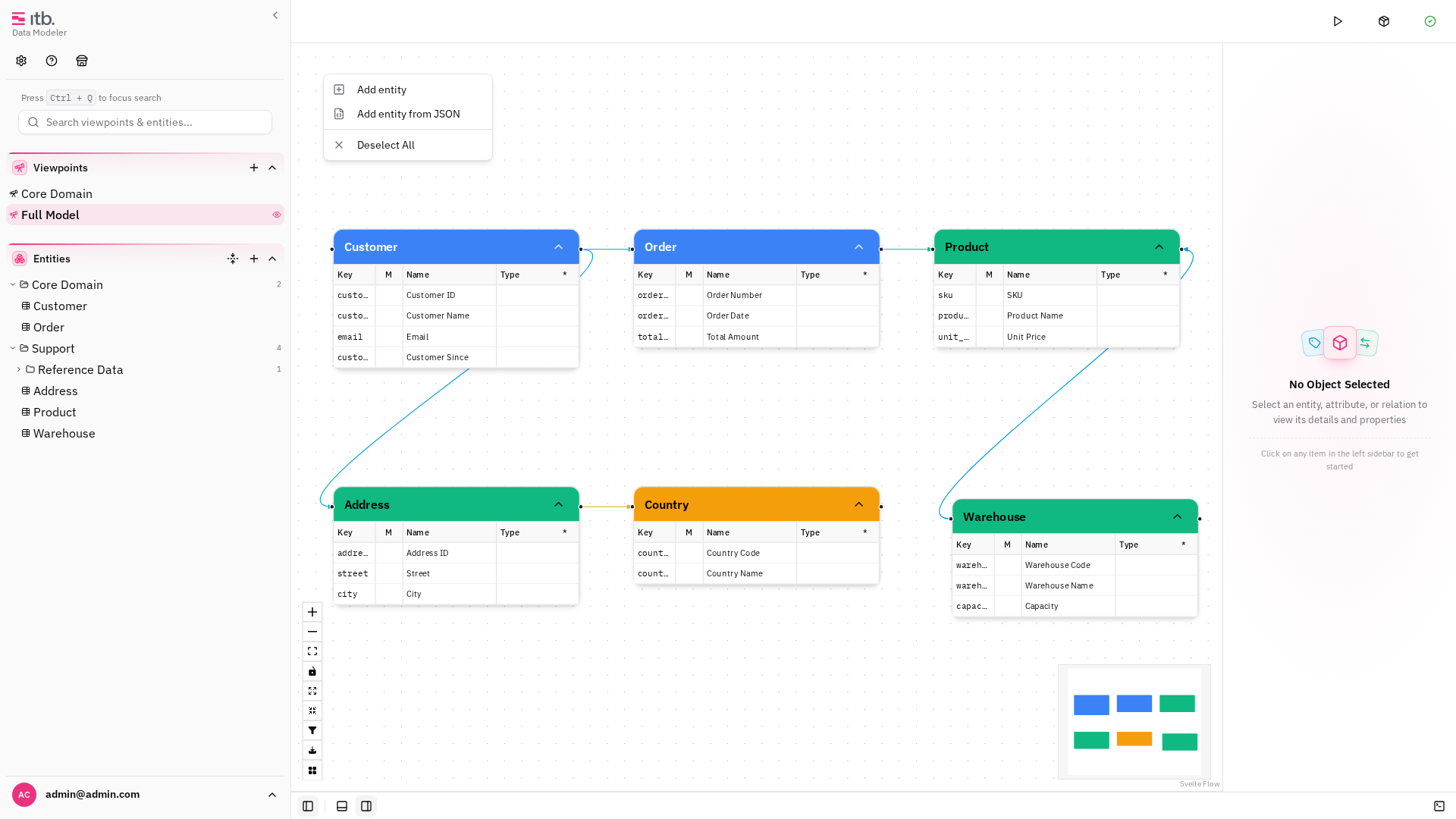
-
Paste your JSON into the editor. A minimal shape is an object with a
nameand anattributeslist; extra keys are mapped to custom properties where they match. -
Review the parsed result and confirm. The entity and its attributes are created and placed on the canvas.
{
  "name": "Customer",
  "attributes": ["id", "name", "email"],
  "owner": "sales"
}
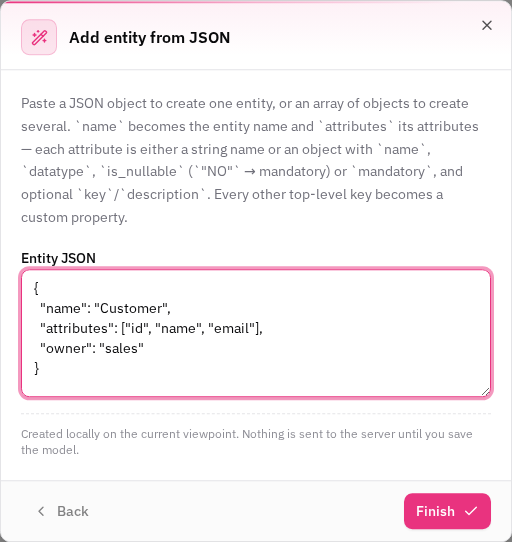
The input is scrollable so the footer stays visible for large definitions. is_nullable maps to an
attribute's mandatory flag, and the Key field is left for you to set rather than auto-filled.
Related
For importing a formal JSON Schema (available in every edition), see Import JSON Schema in the core guide.