Trace lineage
Follow how data flows through your model and capture it as a dedicated viewpoint, so you can see an attribute's or entity's upstream sources and downstream consumers at a glance.
Trace an attribute's lineage
-
From an attribute row in the right sidebar, or by right-clicking an attribute on the canvas, choose Trace lineage….
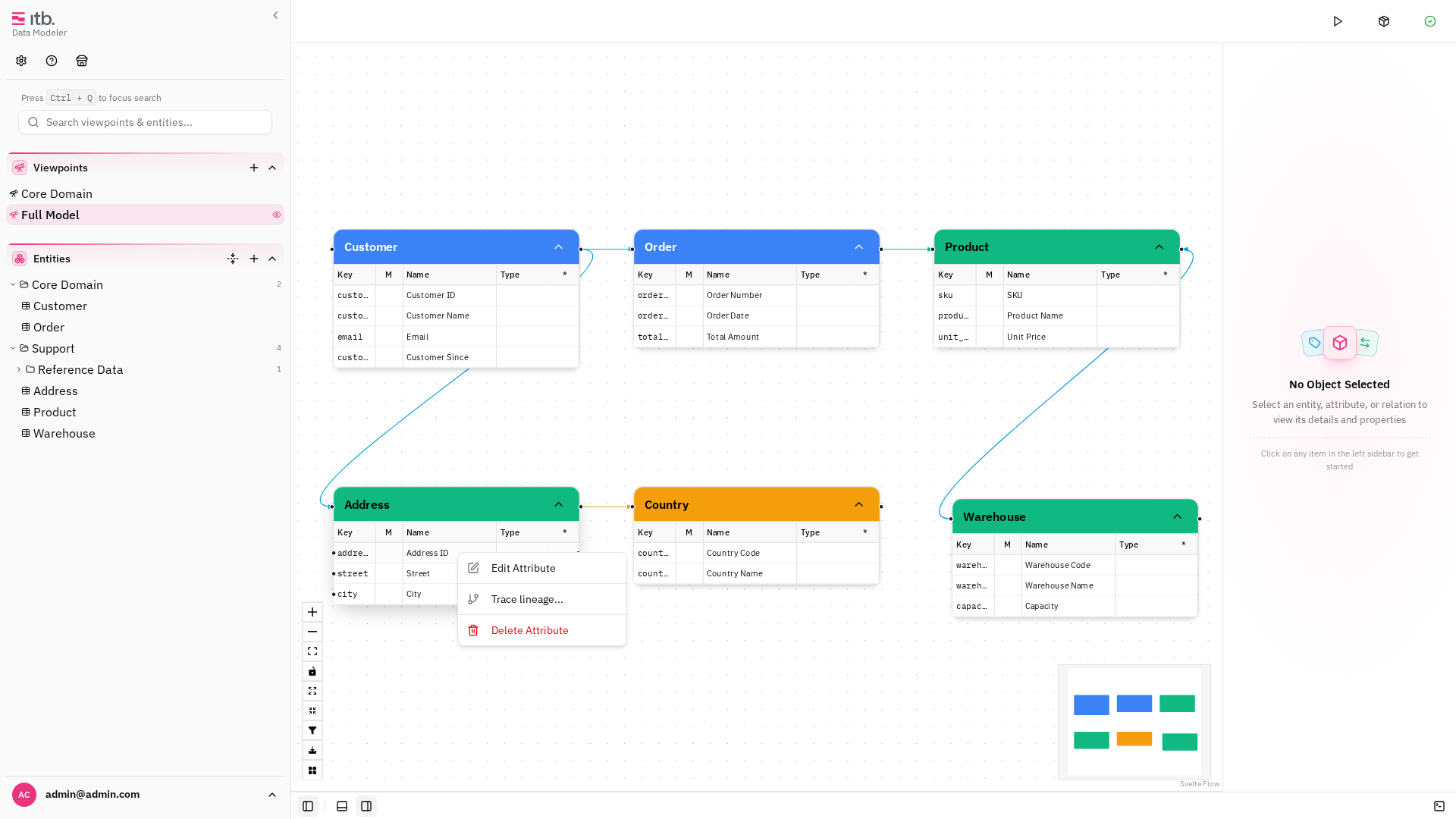
-
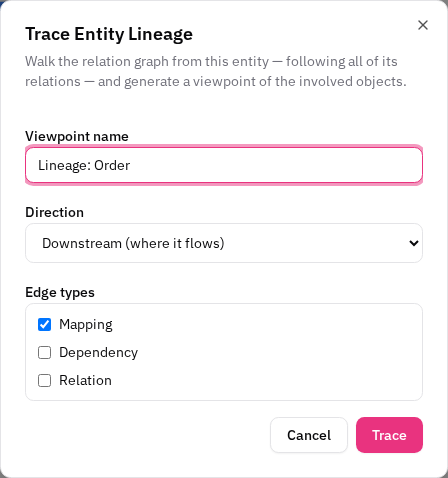
Choose the direction (upstream / downstream) and which relation/edge types count as lineage hops.
-
The tool walks the relation graph and generates a named "Lineage" viewpoint containing only the involved objects, laid out by hop.
Re-tracing overwrites the same-named viewpoint, so you can refine the trace without piling up viewpoints.
Trace an entity's lineage
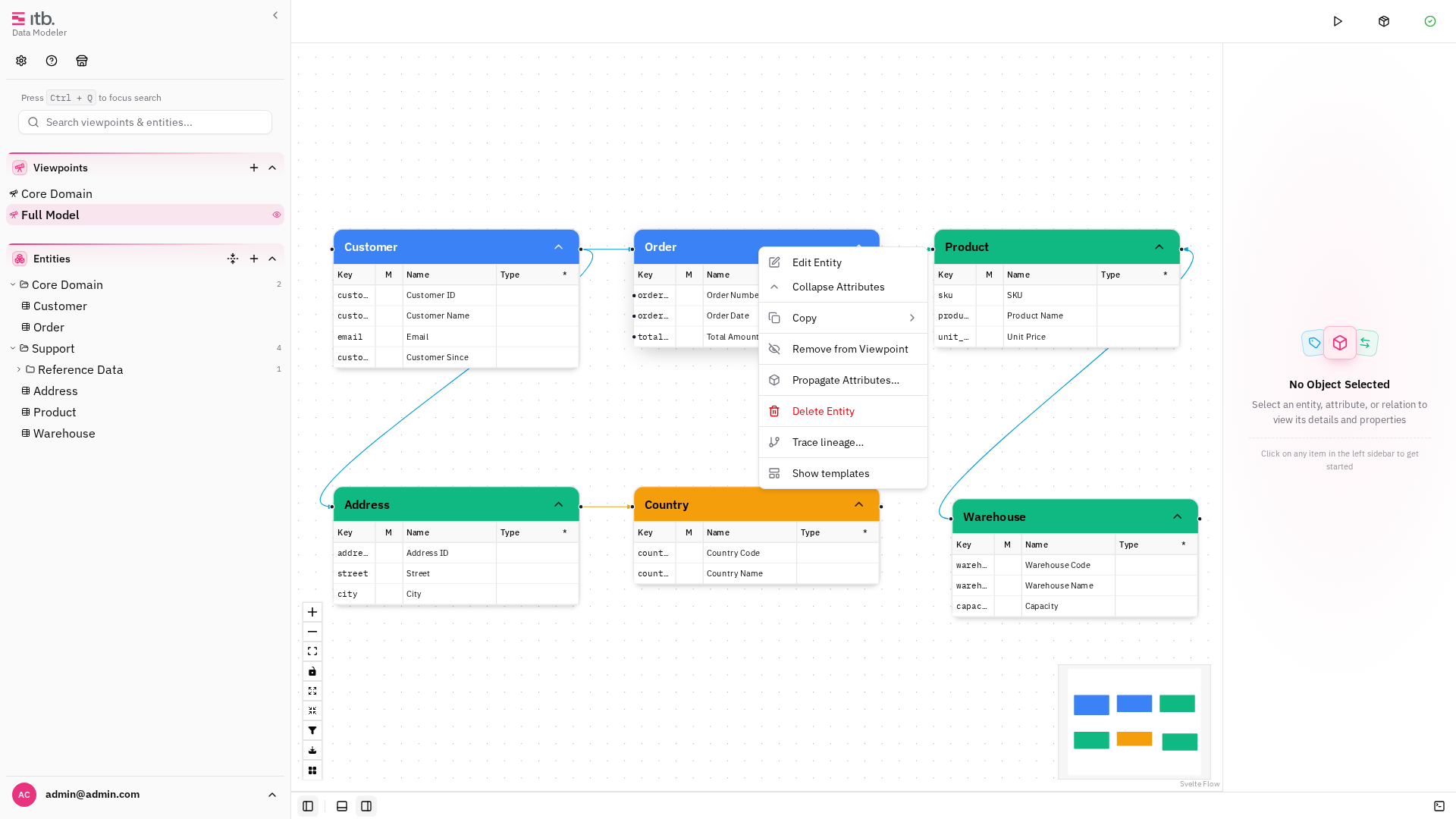
Entity lineage works the same way from an entity's context menu (canvas, tree, or right-sidebar actions), producing an end-to-end lineage viewpoint for that entity.
Related
To also create the downstream attributes along a path, see Propagate attributes.