Propagate attributes
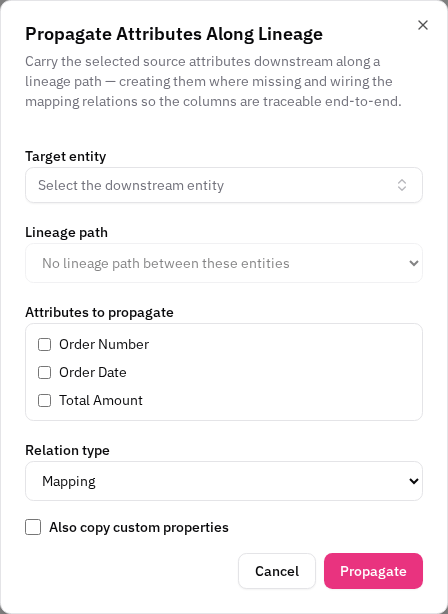
Carry a set of attributes from a source entity downstream along a lineage path, creating them where they're missing and wiring the mapping relations end-to-end. This saves re-keying the same columns through every layer of a staged model.
Enterprise edition
How to use
- Right-click the source entity on the canvas and choose Propagate Attributes….
- Pick the target entity — the form computes the path between source and target.
- Choose the path (when more than one exists) and select the attributes to carry.
- Confirm. The selected attributes are created on each entity along the path where they don't already exist, and the mapping relations are wired source-to-target.
Notes
- The operation is idempotent — running it again won't duplicate attributes that are already there.
- Where a column already exists at an intermediate entity, the gap is closed at that existing column rather than creating a duplicate.
Related
Use Trace lineage first to visualise the path before propagating across it.