Copy operations
Copy operations create new entities and the relations that connect them — useful for building layered models without redrawing structure by hand. They are reachable from an entity's Copy submenu (canvas right-click, tree right-click, or the right-sidebar actions menu).
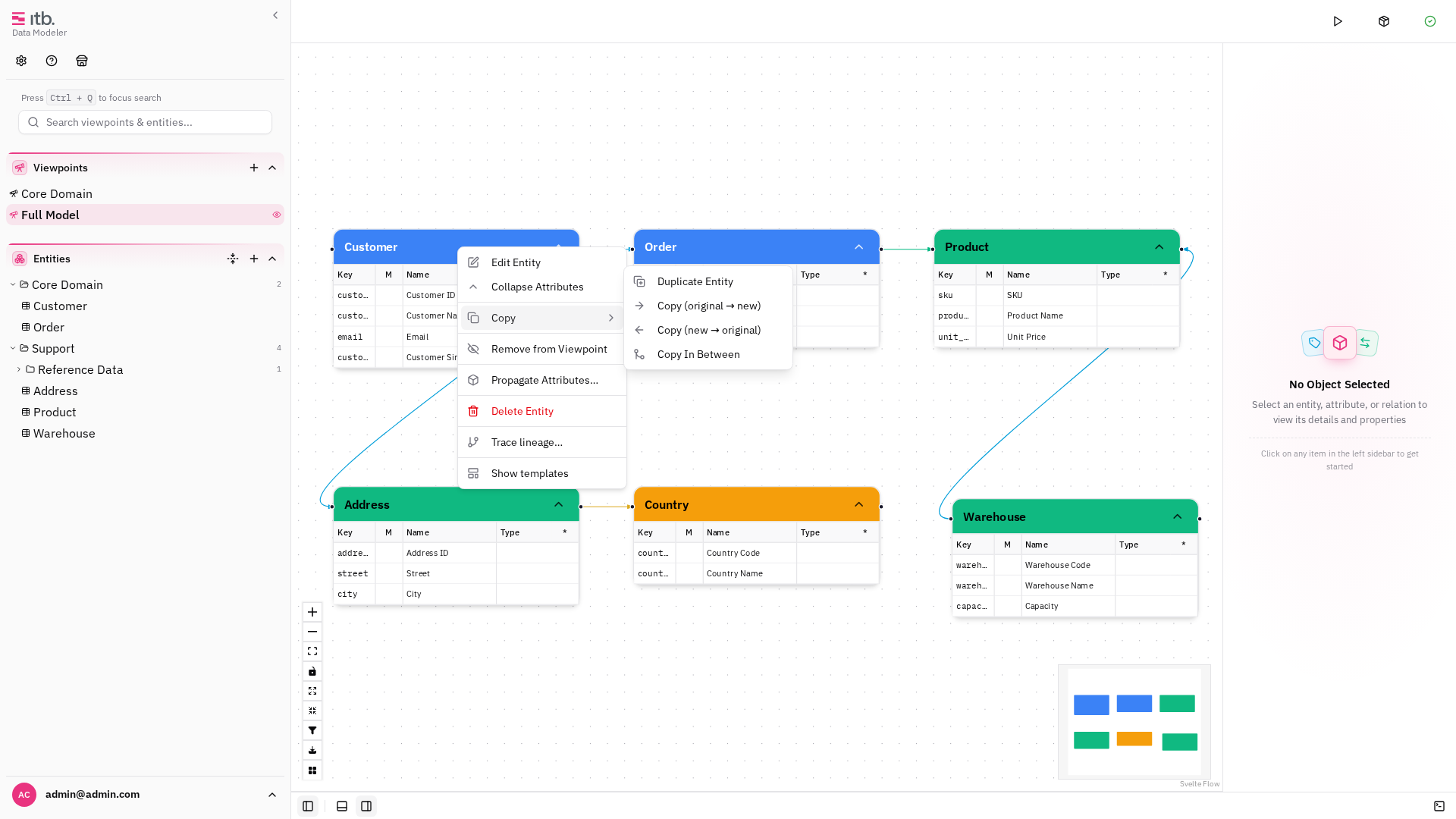
Copy with relation
Copies an entity and wires a chosen relation between the original and the copy. Two directions are offered:
- Original → New — the relation points from the source to the copy.
- New → Original — the relation points from the copy to the source.
Pick the direction, set the new name and relation type, optionally choose a viewpoint, and finish.
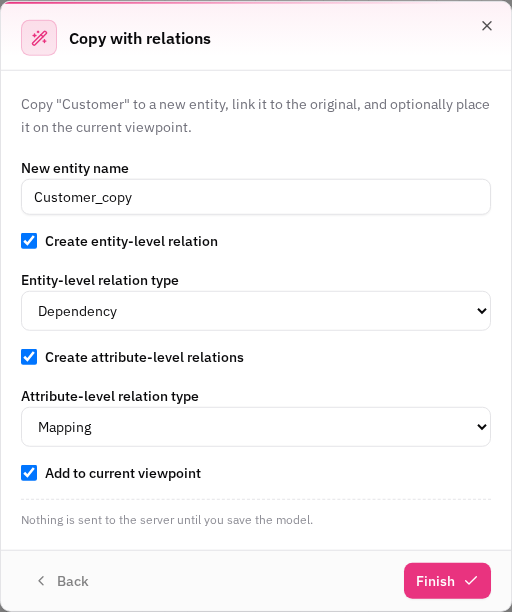
Copy in between
Inserts a copied entity between two existing entities, re-wiring the relations so the new entity sits on the path. Configure the relation direction and name in the wizard, then finish.
Copy flows added by a pack
An installed capability pack can add copy flows of its own. The Banian Data Vault pack, for example, adds Copy Source to Stage — a staging chain is a Data Vault step, not a client feature, so it is documented with the pack rather than here. See Capability packs.