Duplicate
Clone an existing object instead of rebuilding it by hand.
Enterprise edition
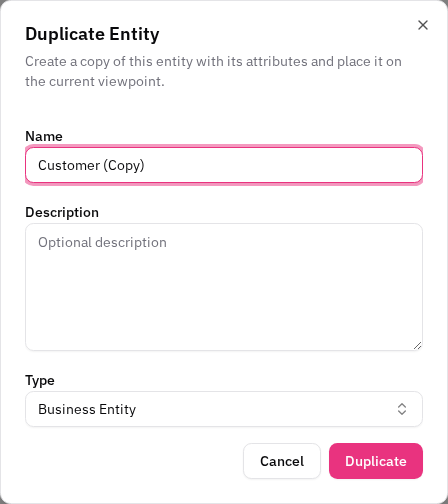
Duplicate an entity
Duplicating an entity creates a new entity pre-filled from the original — you confirm the name, type, and description before it's created.
- Right-click an entity on the canvas or in the left sidebar tree (or open its actions menu in the right sidebar) and choose Duplicate Entity.
- The form opens with the name pre-filled as
<original> (Copy). Adjust the name, type, or description as needed. - Confirm. The new entity is created and placed for you.
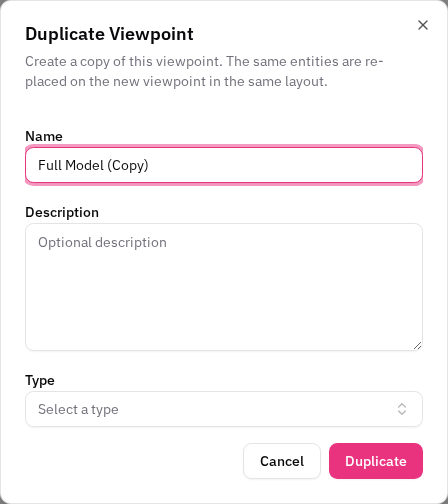
Duplicate a viewpoint
Duplicating a viewpoint re-creates the diagram with the same entities and layout, so you can branch a perspective without disturbing the original.
- Right-click a viewpoint in the left sidebar and choose Duplicate.
- Adjust the new viewpoint's name/description in the form.
- Confirm — the new viewpoint opens with the original's nodes and positions.