0.0.7 (WebApp)
We're excited to announce version 0.0.7 of the ITB WebApp (Information Technology Blueprint), bringing significant improvements to the user interface and data model capabilities. This release includes 10 new features and 1 important bug fix.
Part of ITB 0.0.7 release - See master release and API Details
✨ New Features
UI Enhancements
This release brings substantial improvements to the user experience with 8 new UI features:
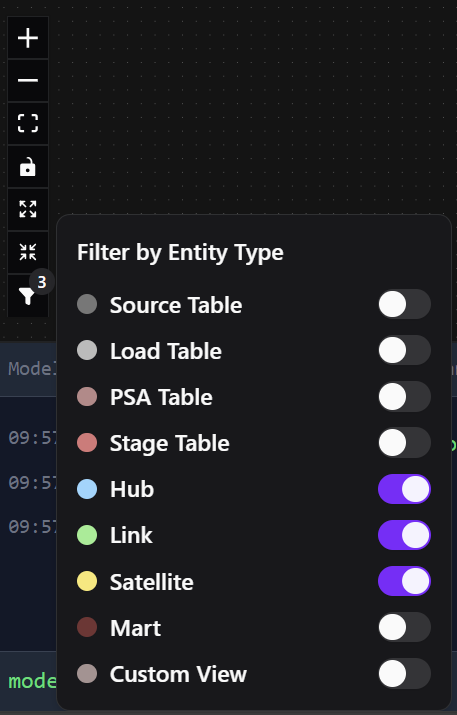
1. Model Filter for Entity Type
Filter viewpoint displays by entity type to reduce visual complexity. A new funnel button in the model canvas toolbar allows you to toggle visibility of entity types, helping you focus on what matters most.
Key Benefits:
- Improved readability of complex models
- Focus on relevant entity types
- Quick toggle on/off for each type
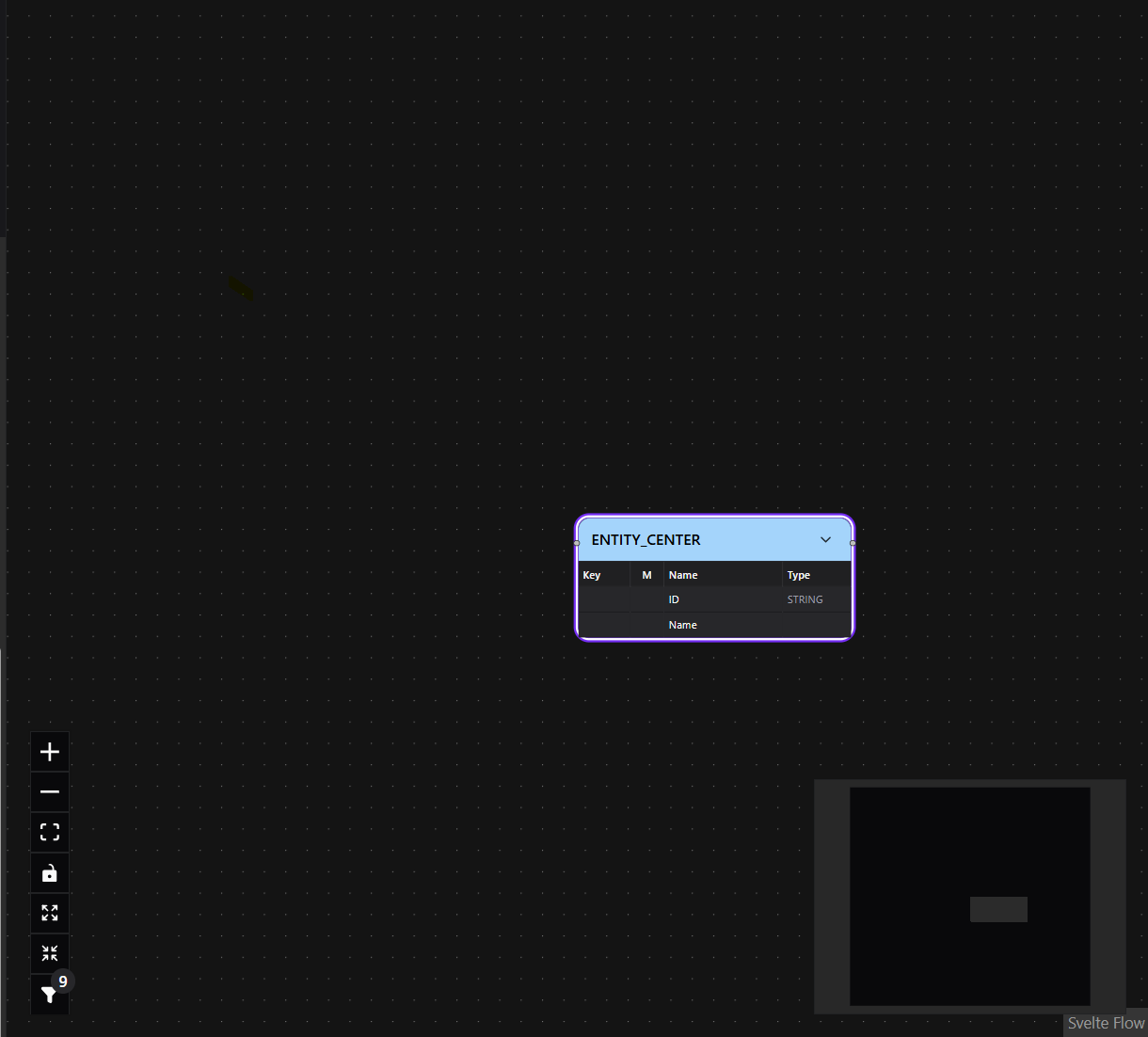
3. Add Entity to Center of Canvas
Entities are now added to the center of the visible canvas area rather than at a fixed position, providing a more intuitive editing experience.
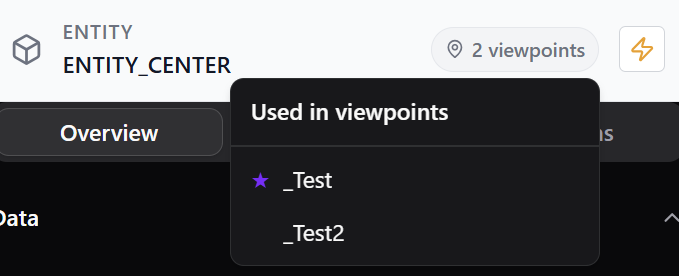
4. Entity Usage Indicator Across Viewpoints
New visual indicator shows where entities are used across different viewpoints, making it easier to understand entity relationships and dependencies throughout your model.
5. Edge Highlighting for Selected Entity
When selecting an entity, all connected edges are now highlighted, making it easier to trace relationships and understand connections at a glance.


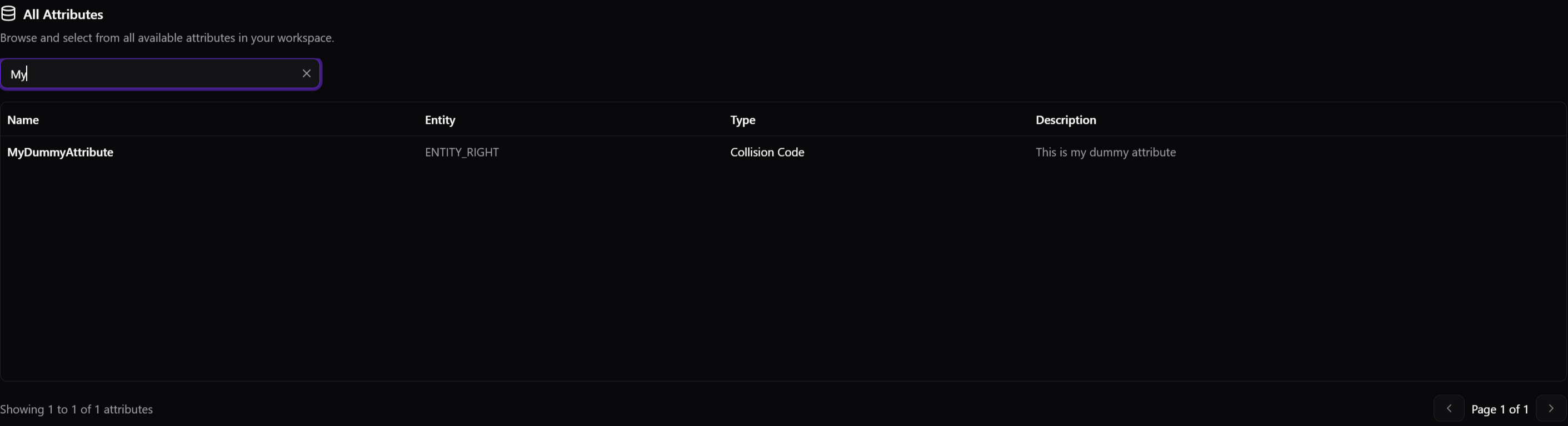
6. Attribute Drawer with Pagination
The drawer concept has been extended to attributes, now accessible via CTRL+4. All drawers (viewpoints, entities, relations, and attributes) are now paginated, significantly improving performance in large models.
Available Shortcuts:
- CTRL+1 - Viewpoints
- CTRL+2 - Entities
- CTRL+3 - Relations
- CTRL+4 - Attributes (New!)
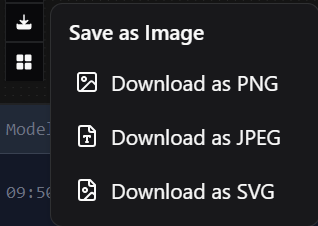
7. Save Canvas as Image
Export your viewpoint canvas as a high-quality image for documentation, presentations, or sharing with stakeholders.
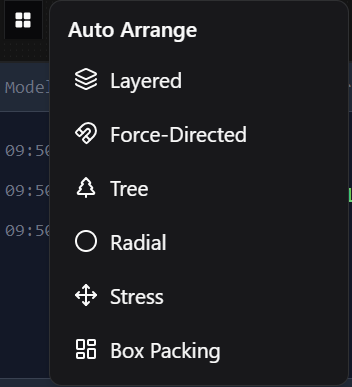
8. Auto Arrange Canvas
Automatically arrange entities in your viewpoint for optimal layout. A layout algorithm now helps organize complex models with minimal manual effort.
9. Resizable Left Sidebar
The left sidebar can now be resized to accommodate different screen sizes and user preferences, providing more flexibility in workspace organization.
Model Improvements
10. Mandatory Attribute Field
Attributes can now be marked as mandatory using a new boolean field. This enhancement provides:
- Clear documentation of required fields
- Better data quality and validation rules
- Support for generating database schemas with NOT NULL constraints
- Backward compatibility (defaults to
false)
Display Features:
- Visual indicator
*(asterisk) in table columns to mark mandatory fields - Compact icon-based display saves screen space compared to text labels
- Consistent indicator across main canvas, entity attributes table, and sidebar panels
Example:
{
  "id": "attr_123",
  "name": "customer_id",
  "type": "string",
  "mandatory": true,
  "description": "Unique customer identifier"
}
🐞 Bug Fixes
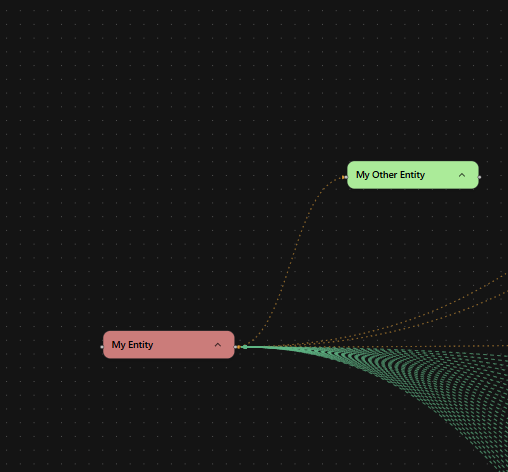
2. Model Edge Routing on Collapse
Fixed an issue where edge routing was not properly updated when collapsing entity nodes in the canvas, ensuring proper visual representation of relationships.
Summary
Version 0.0.7 represents a significant step forward in usability, performance, and data model capabilities. The UI improvements make working with large models more efficient, while the new mandatory field enhances data modeling best practices.
Thank you to all contributors and users who provided feedback!